

doximityask
September 3, 2026
Talking With Patients About Their Care—in the Language They Prefer
# Ask
# Consult
# Documentation
# Doximityask
# Healthequity
# Patientcommunication
# Scribe
# Dialer
# Telehealth
# Visit
Because good care shouldn't get lost in translation.

Doximity Team
Talking With Patients About Their Care—in the Language They Prefer
Doximity makes it easier to share results and follow-up instructions in your patient's preferred language. You can send clear, translated messages directly to patients, helping reduce confusion and making important next steps easier to understand.
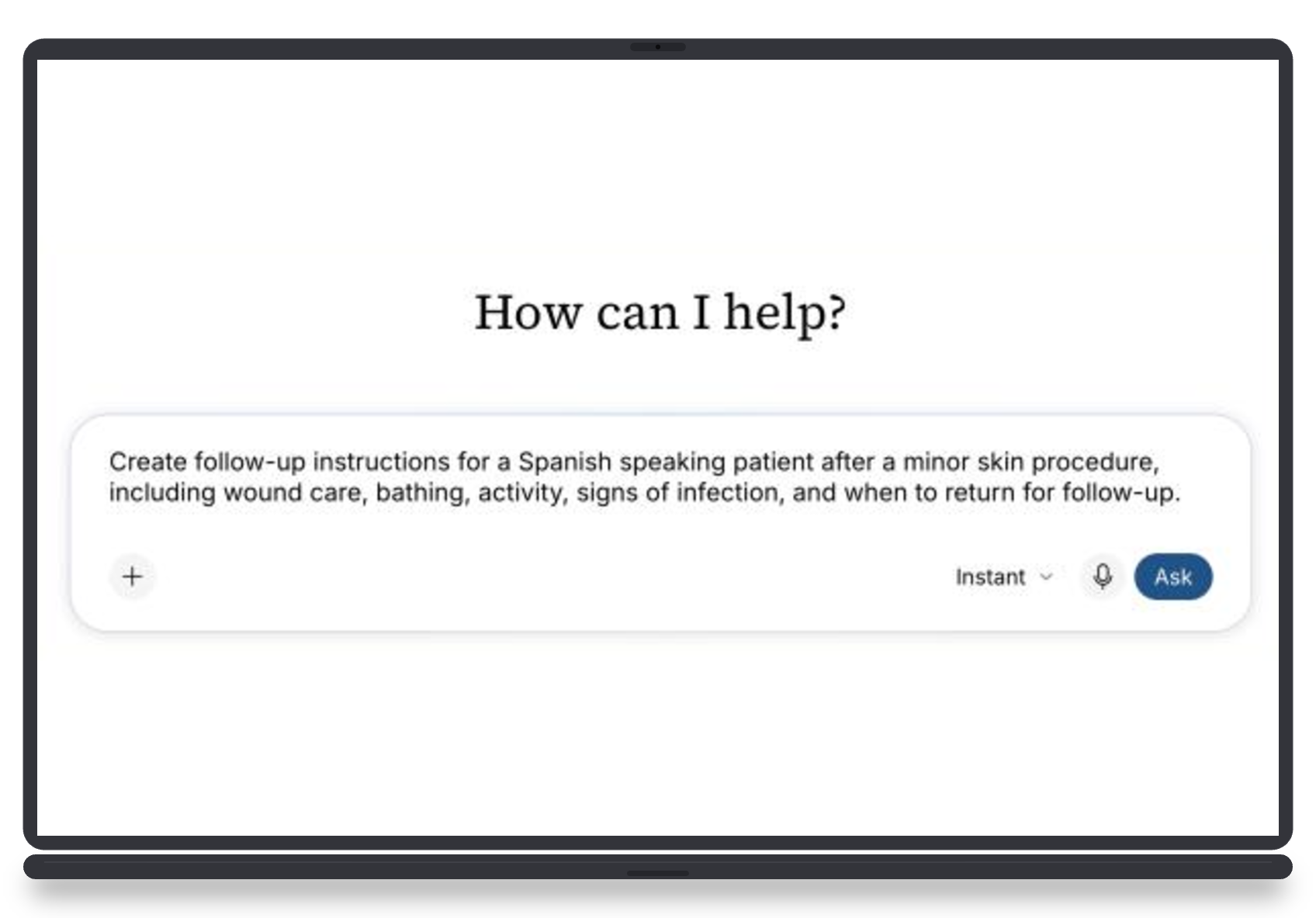
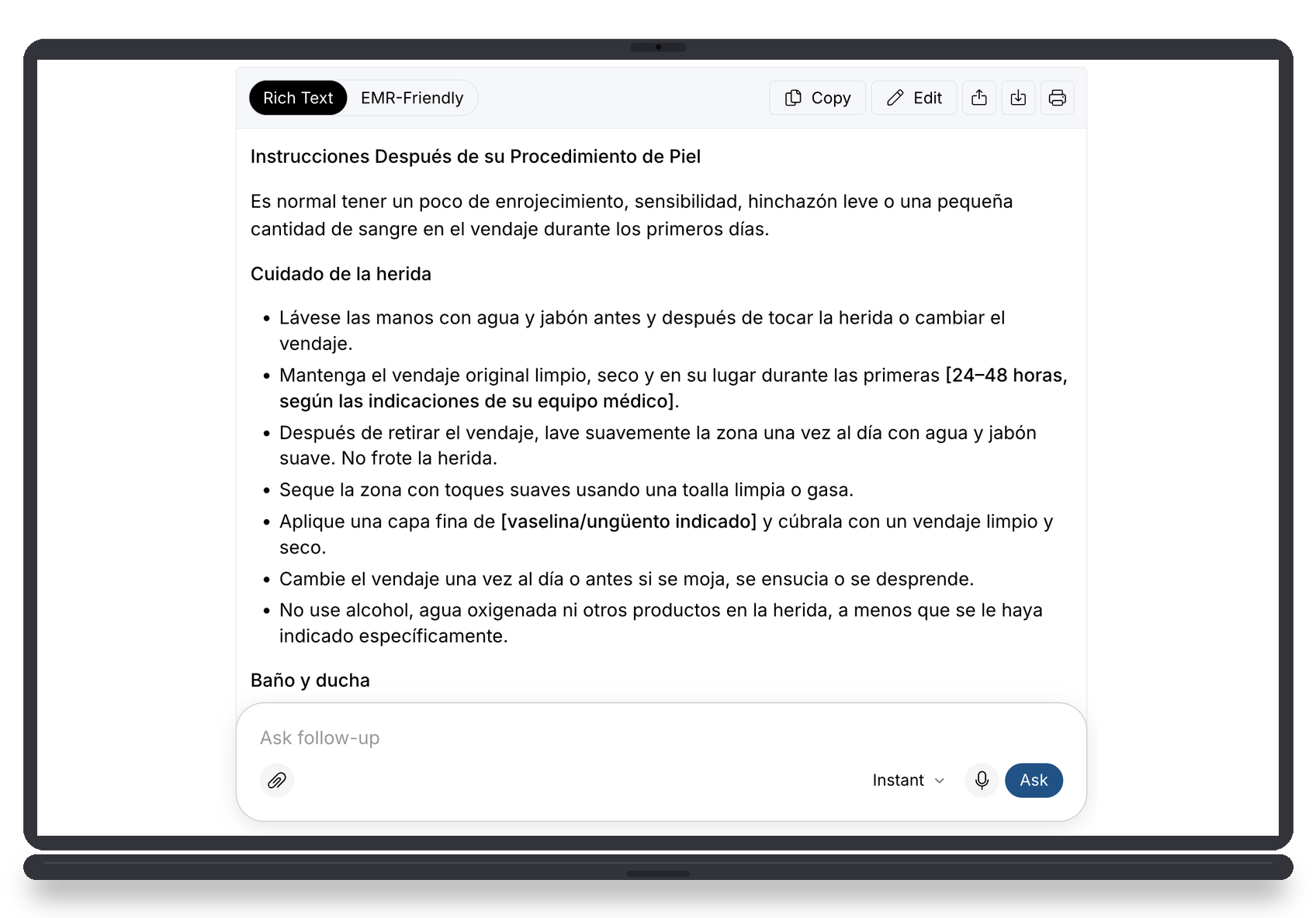
Tip #1: In Ask, translate patient education or follow-up instructions.
Tip #2: Document across languages—and close the loop after every visit
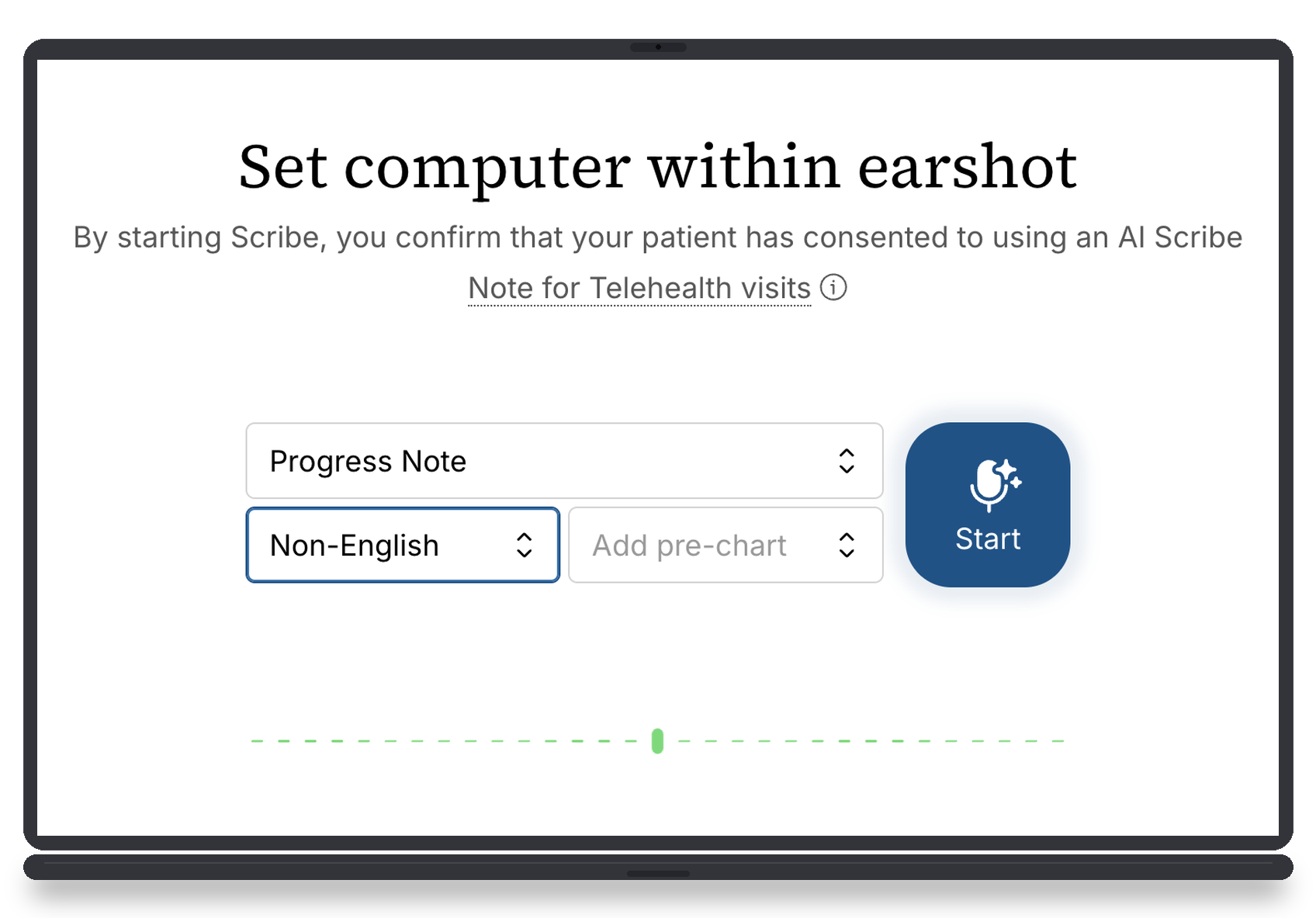
Select a non-English visit, let Scribe securely capture the conversation, and generate a structured clinical note. Then create an after-visit summary and share it with your patient through Dialer Text.
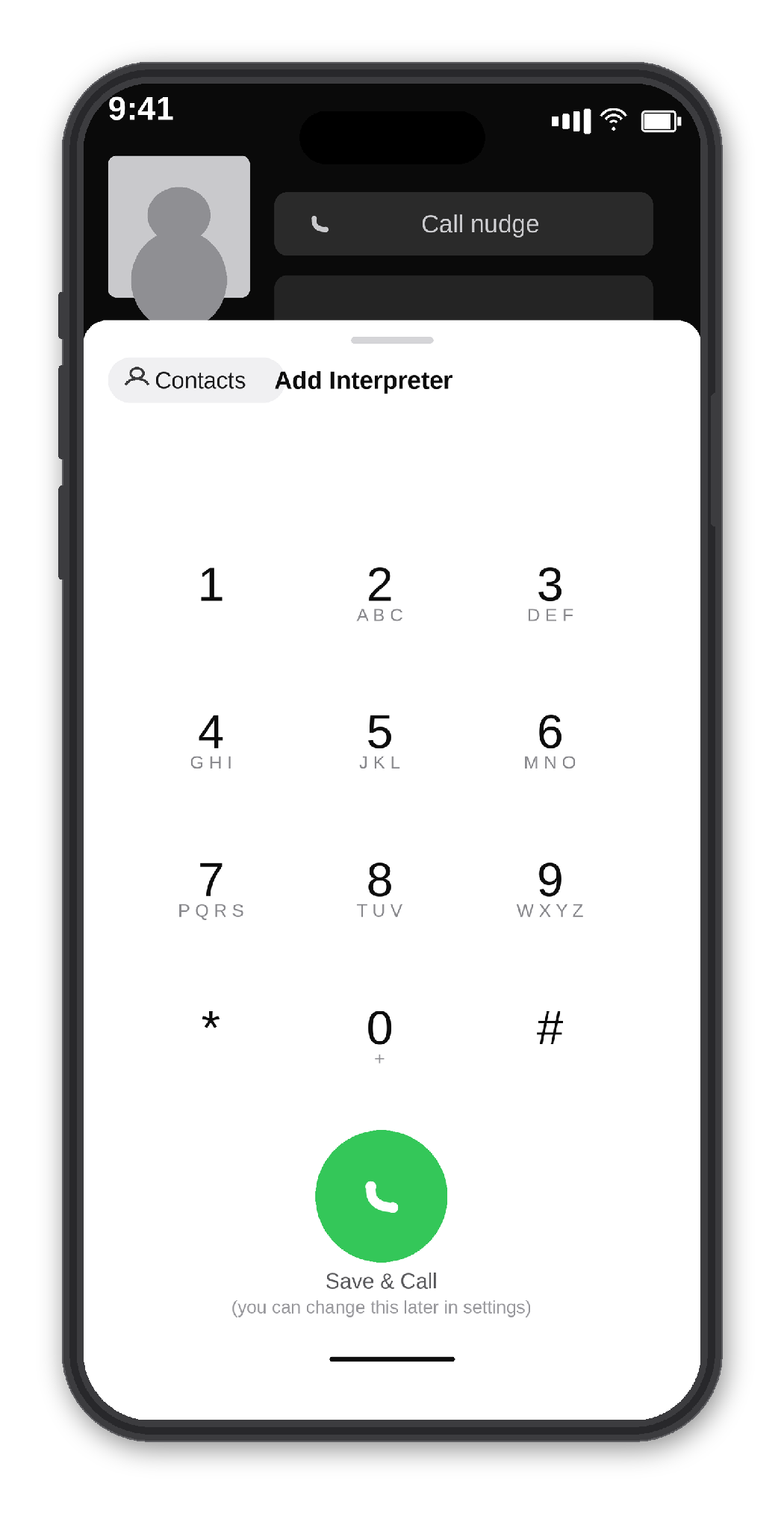
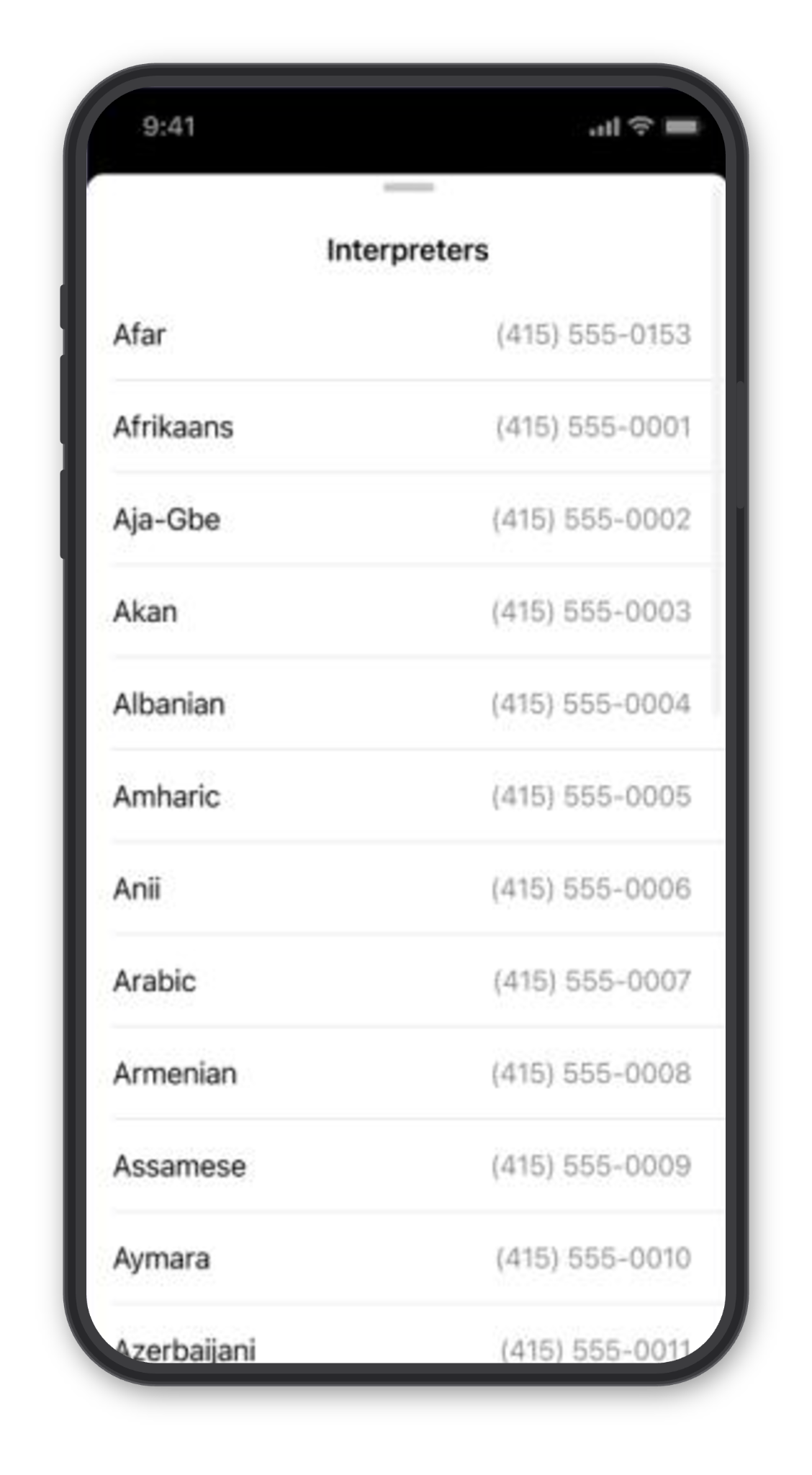
Tip #3: Use Doximity Dialer to add an interpreter for patient phone calls.
When a patient needs an interpreter for a video visit, Dialer lets you connect one before inviting the patient. Choose a saved interpreter number or enter a new one, then bring the interpreter onto the call first, so they’re ready when the patient joins. You can also send the patient’s invitation in their preferred language—all within the Dialer workflow.
Tip #4: Use Doximity Dialer to send a follow-up message.
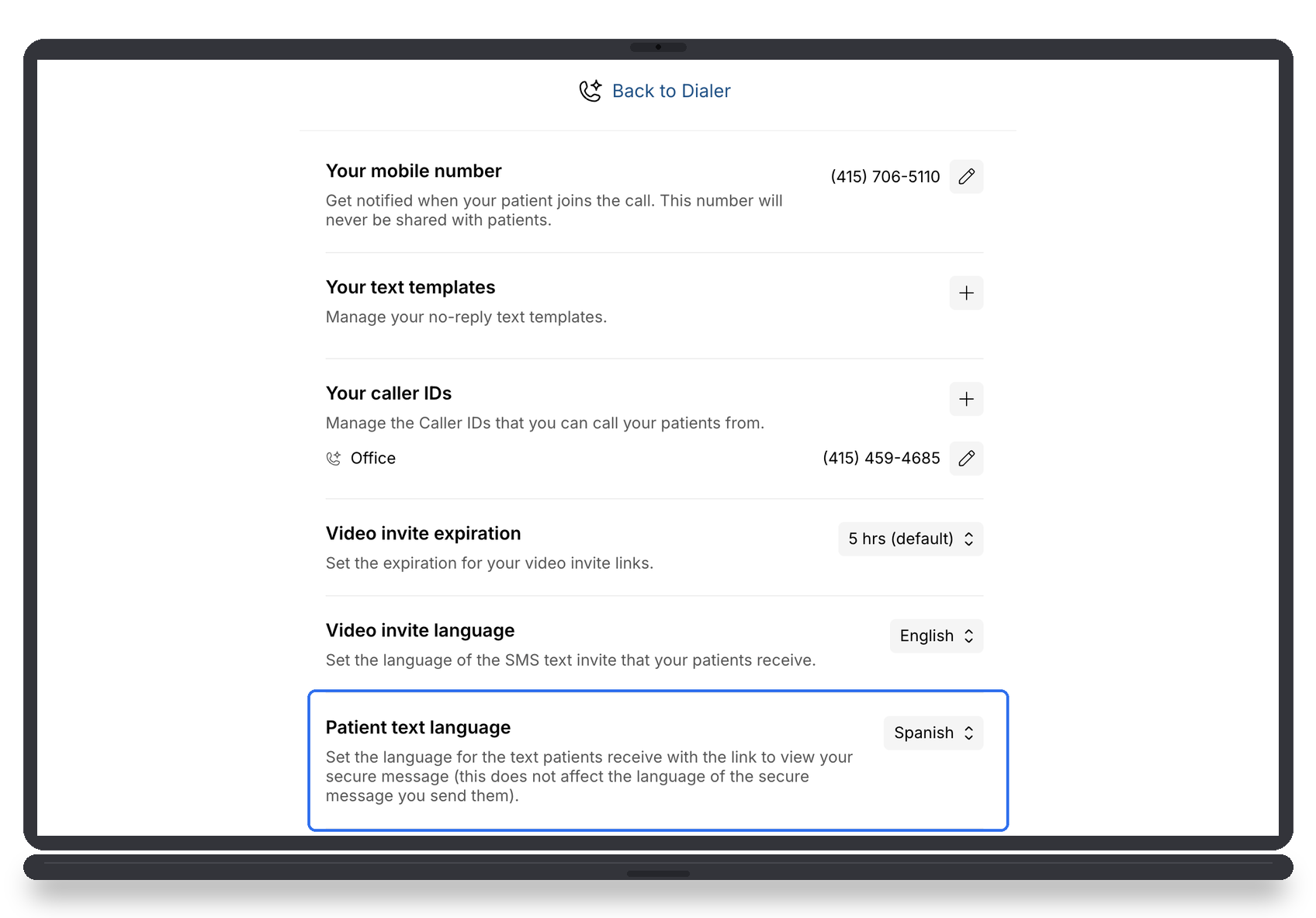
When a patient prefers a different language, Dialer lets you translate your message within the same workflow. Write your message, choose the appropriate language, and review the translation before sending—making it easier to communicate clearly without switching between tools.
Comments (0)
Popular

Dive in