

doximityscribe
September 3, 2026
Your Scribe Note Just Finished. Here's how to get it into your EHR.
# Consults
# Documentation
# EHR
# EMR
# Note
# Patientencounter
# Progressnote
# Scribe
# Visit
Finish your note and move on with your day

Doximity Team
Your Scribe Note Just Finished. Here's how to get it into your EHR.
Tip #1: Test your EHR workflow with a sample note first.
Doximity Scribe works separately from your EHR, so you’ll need to move your note into your chart after it’s generated. In most cases, that means copying the completed note from Scribe and pasting it into the appropriate section of your EHR. Once you have your workflow down, this step can be quick.
Every EHR handles pasted notes a little differently. Before transferring a real patient note, try it first with the sample note already available in your Scribe account.
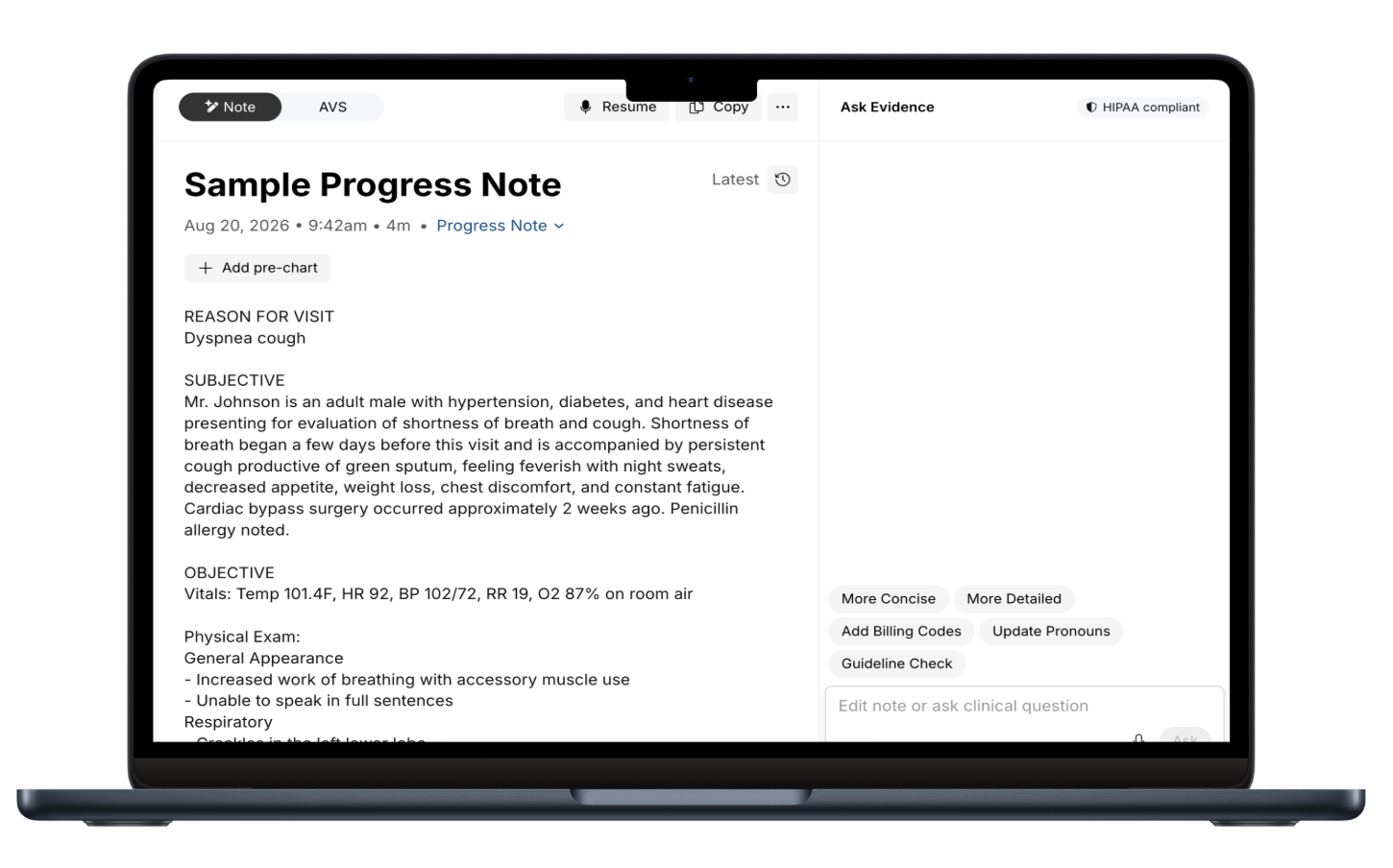
First, copy and paste the sample note:
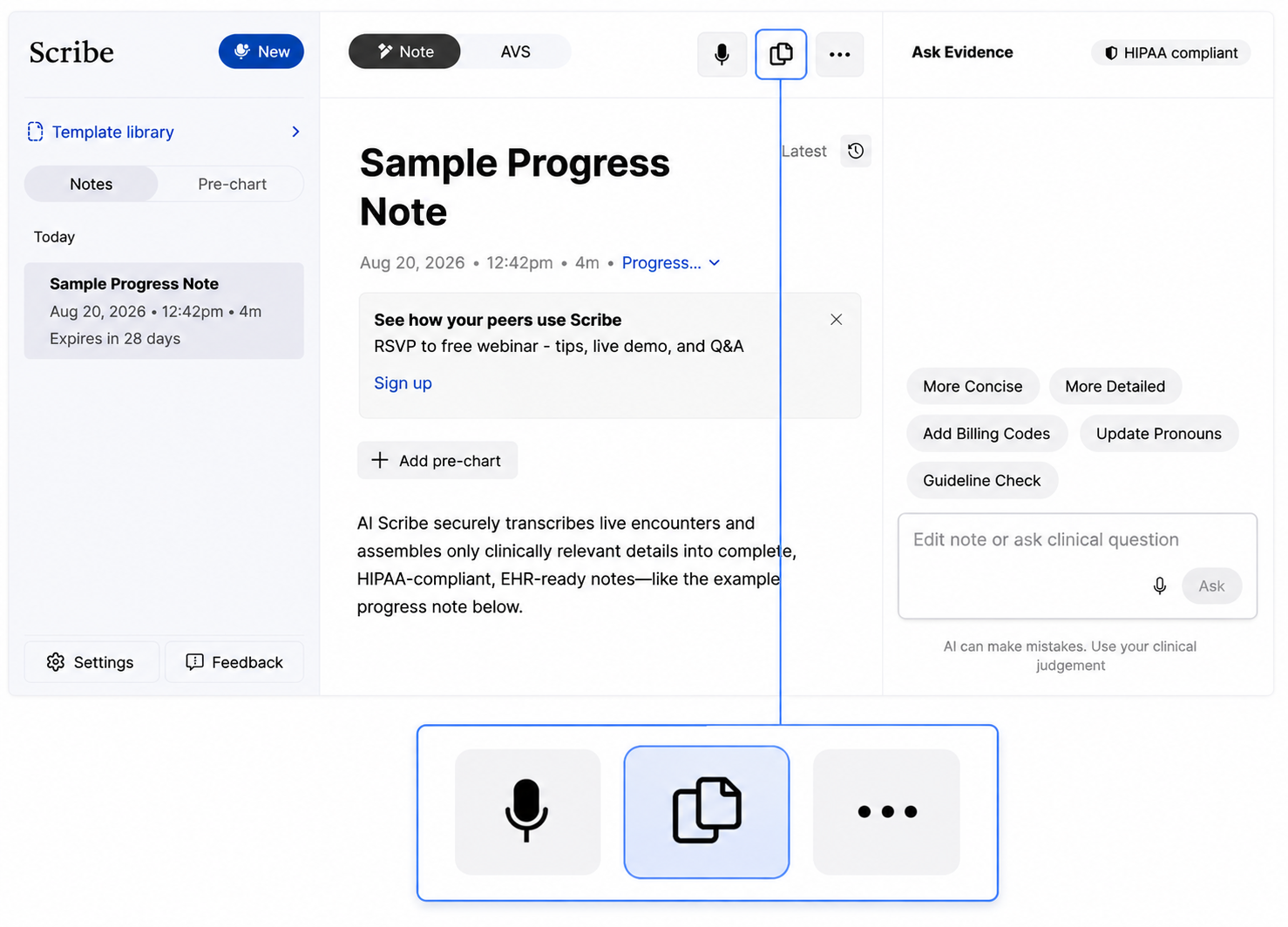
The sample note will appear in your clipboard. Start by copying and pasting the entire note into a blank note field in your EHR. If it transfers cleanly, that’s likely your fastest workflow.
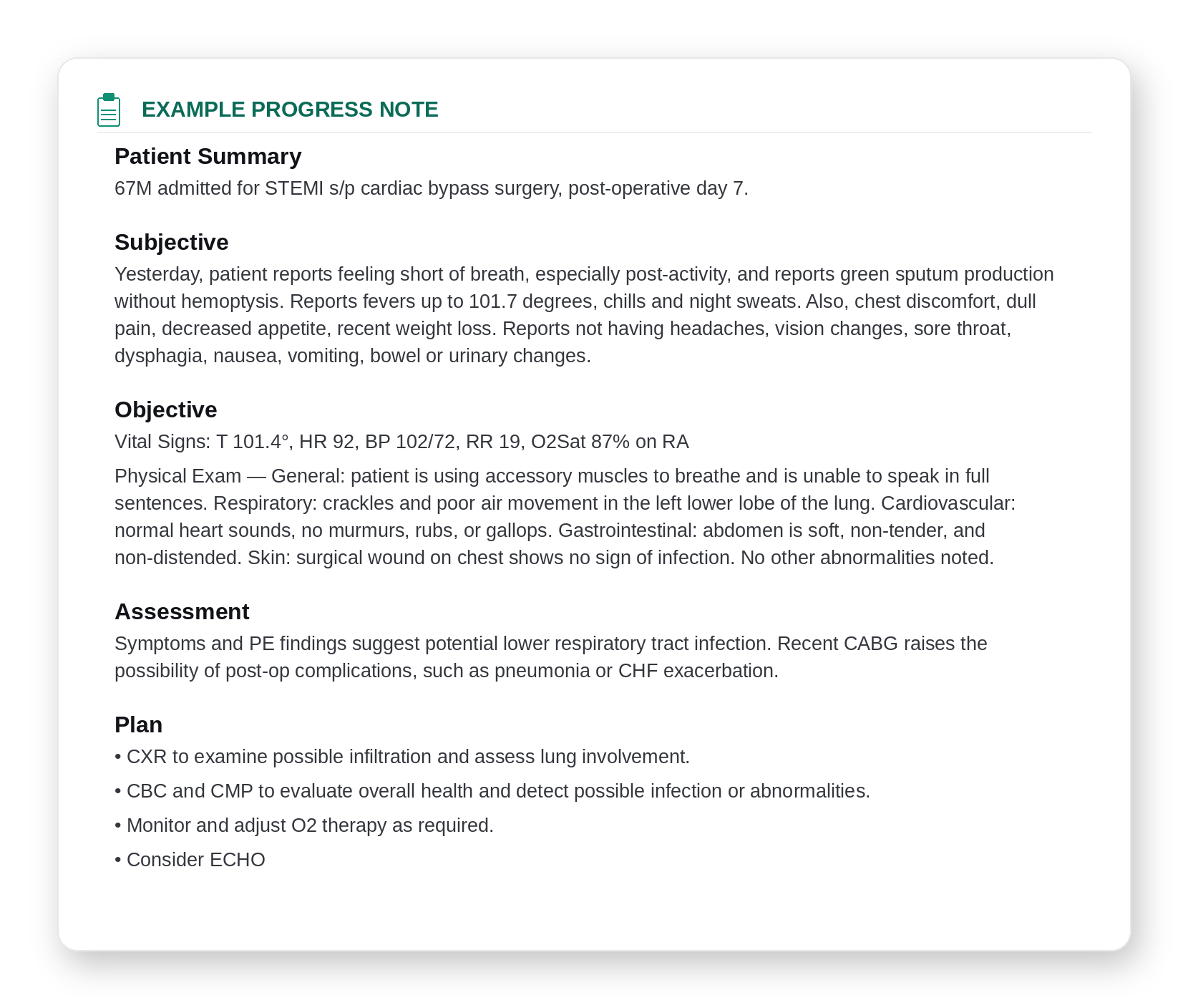
If your EHR requires separate fields for sections like HPI, Assessment, and Plan, try copying the sample note section by section instead.
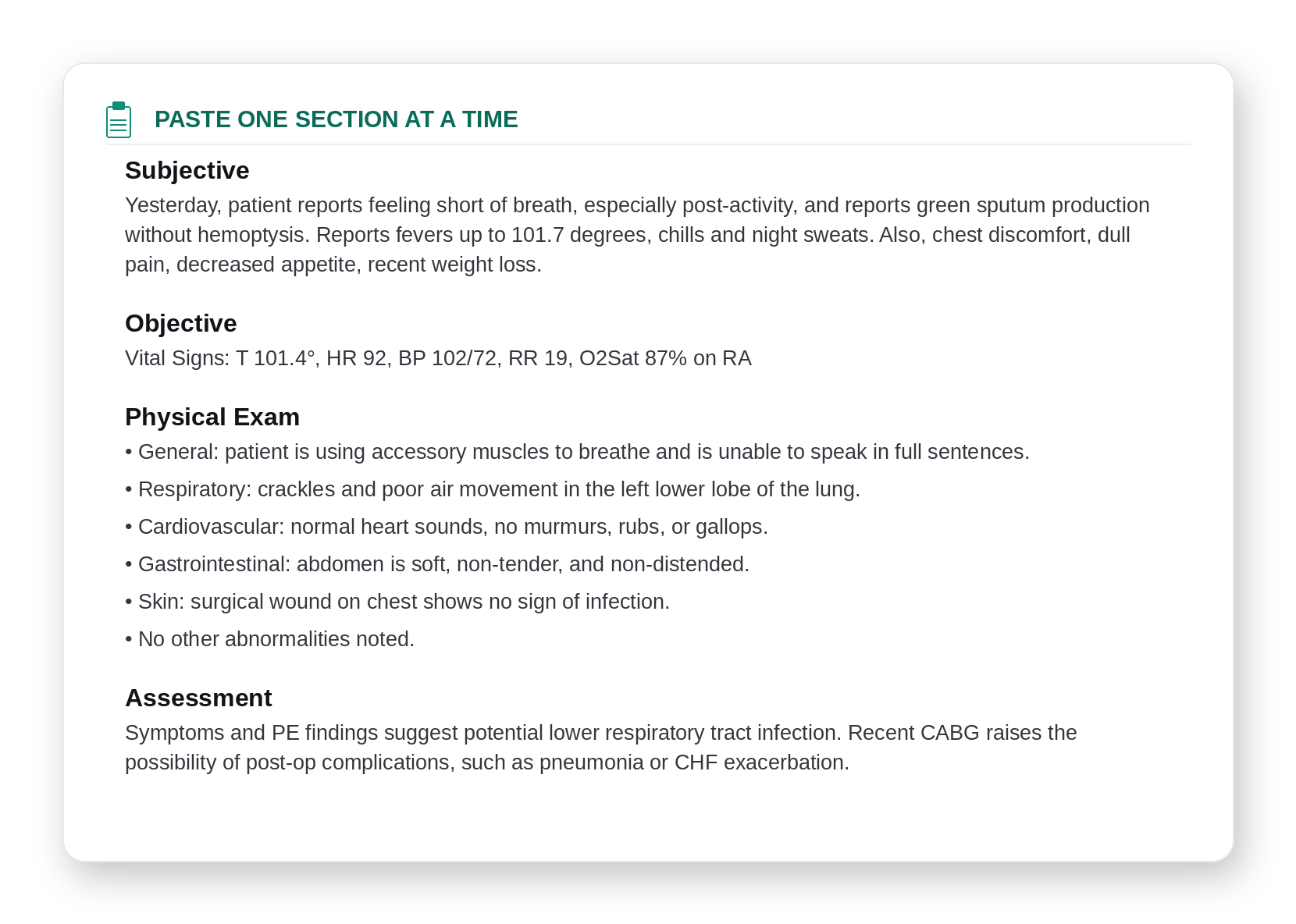
Once you know which method works best, you can use the same workflow for future Scribe notes.
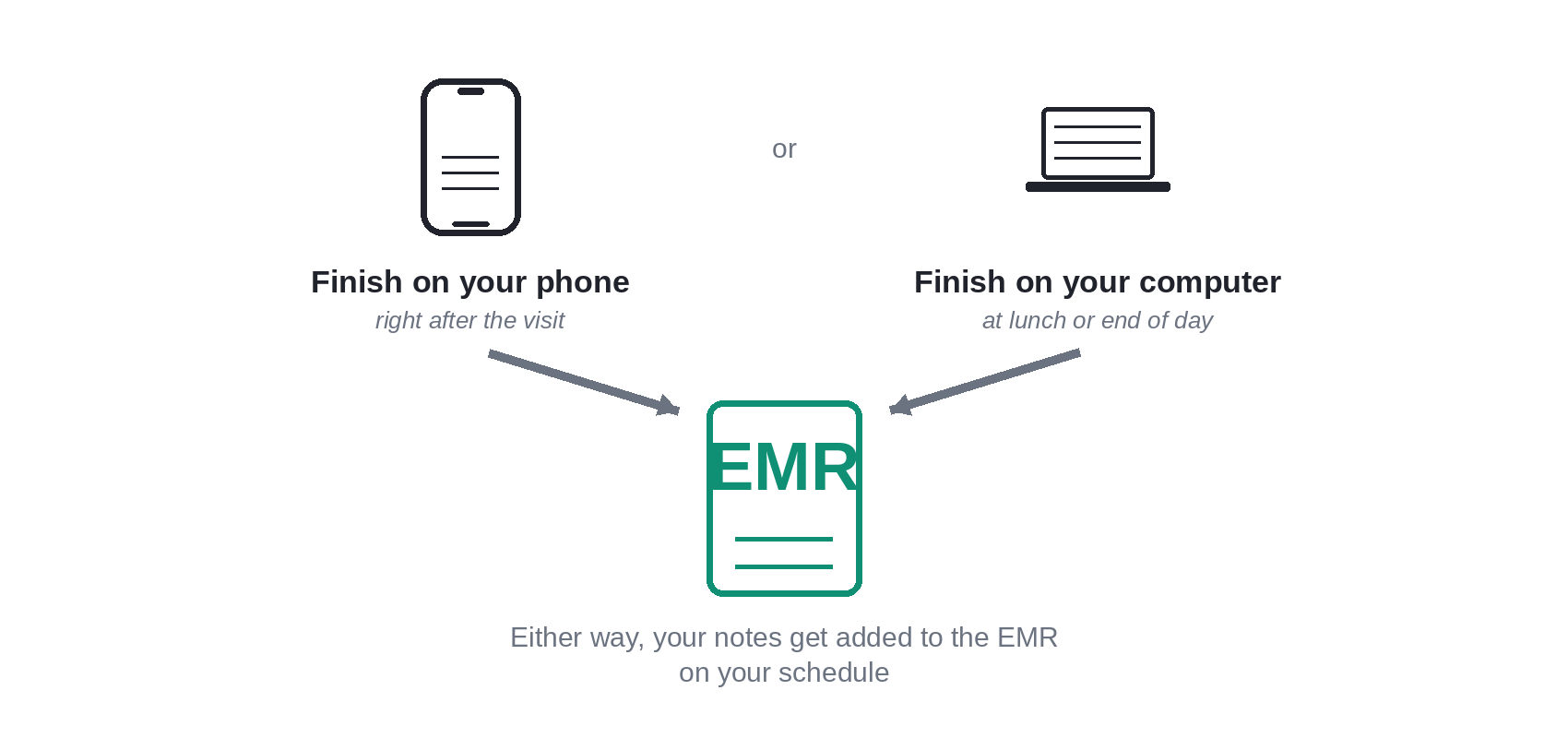
Tip #2: Finish your notes on your schedule.
Scribe adapts to the way you practice. Complete a note on your phone, review and add it to your EHR right after the visit, or review and finalize it later on your computer—between patients, over lunch, or at the end of the day. However you manage your documentation, Scribe fits into your workflow, not the other way around.
Comments (0)
Popular

Dive in
Related
Education
Turn a Dialer Phone Call Into a Scribe Chart Note, Automatically
By Doximity Team • Sep 3rd, 2026 • Views 45
Education
Using AI Alongside Your EHR: How to Use AI as Your On-Call Coder and EHR Co-Pilot (Part 2/3)
May 13th, 2026 • Views 61
Education
How to Review a Doximity Scribe Note in Under 60 Seconds
By Doximity Team • May 15th, 2026 • Views 105
Education
How to Set Up Doximity Scribe for Your Specialty
By Doximity Team • May 15th, 2026 • Views 382
Education
Turn a Dialer Phone Call Into a Scribe Chart Note, Automatically
By Doximity Team • Sep 3rd, 2026 • Views 45
Education
How to Review a Doximity Scribe Note in Under 60 Seconds
By Doximity Team • May 15th, 2026 • Views 105
Education
How to Set Up Doximity Scribe for Your Specialty
By Doximity Team • May 15th, 2026 • Views 382
Education
Using AI Alongside Your EHR: How to Use AI as Your On-Call Coder and EHR Co-Pilot (Part 2/3)
May 13th, 2026 • Views 61